Section 1
Audit Your Shopify Store Data
Before fixing a problem, you must diagnose it. Here's how to trace poor conversion rates back to product photography issues.
If your Shopify store is receiving over 500 visitors a month but your Conversion Rate (CVR) is sitting below 1.5%, you have a conversion problem. Check your Google Analytics or Shopify dashboard for the following indicators:
High Bounce Rate (>70%)
If visitors land on a page and leave within 10–15 seconds, they immediately didn't trust the look of the store or the product presentation.
Add-to-Cart Drop-off
When buyers view the product but never click 'Add to Cart', it usually means they have unanswered questions about material, color, or sizing.
Section 2
The Science of Visual Commerce
We are visual creatures. Learn why product images carry the heaviest burden on your Shopify product detail page.
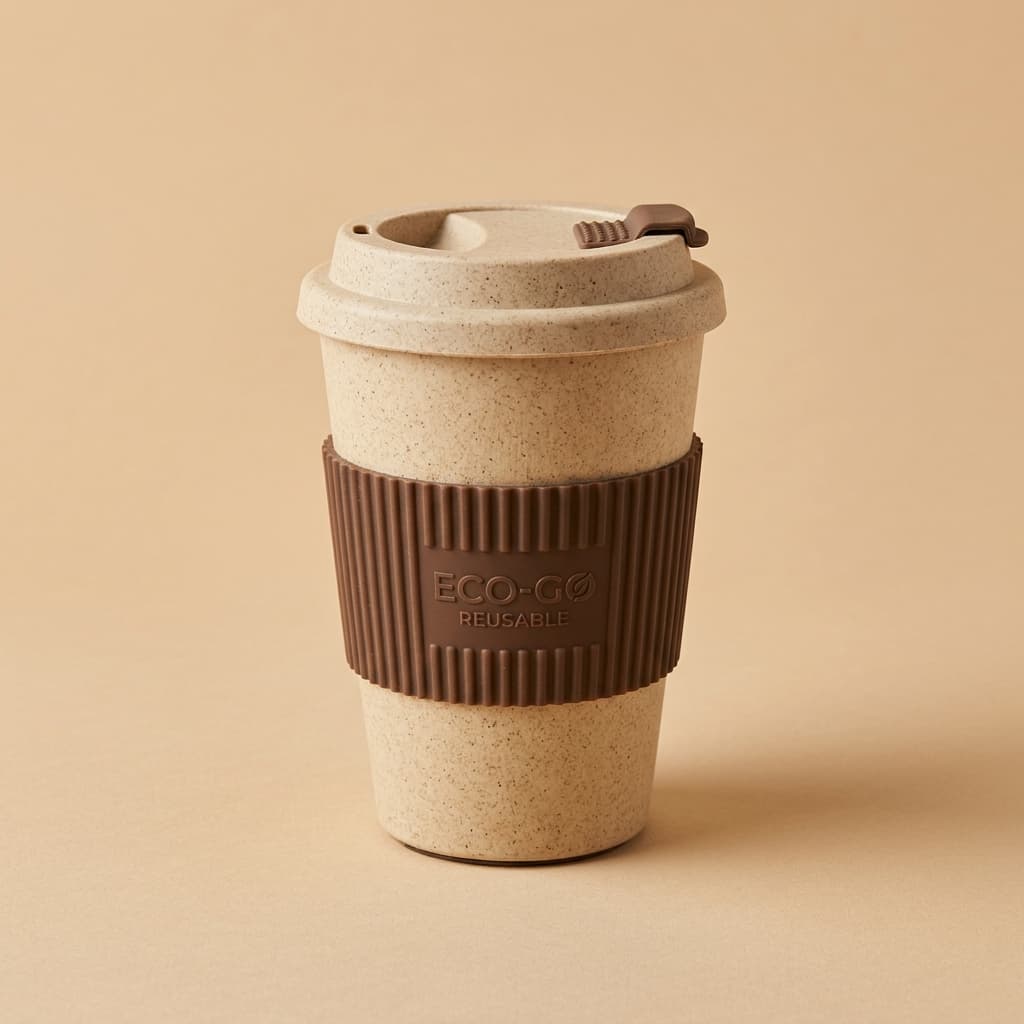
Research by the Nielsen Norman Group shows that online visitors form an opinion on a brand's trustworthiness within 50 milliseconds of landing on the site. This judgment is almost entirely visual.
On mobile displays (which account for 70%+ of Indian D2C traffic), the product image block occupies up to 68% of the initial screen real estate. If the image is blurry, off-color, or staged against a cluttered background, it creates an unconscious barrier to purchase.
Section 3
7 Costly Product Photo Mistakes Stalling Your Sales
Identify if your Shopify product catalog is suffering from these common conversion killers.
Single-Image Listings
Only showing one angle of a product leaves 80% of customer questions unanswered. Buyers want to see the back, inside, and texture.
Low Resolution & Compression Blur
Using small or highly compressed files signals a cheap operation. Ensure images are high-res WebP format.
Inconsistent Catalog Lighting
If one product has warm lighting and the next is cool/blue, your store looks like an aggregator rather than a unified brand.
No Lifestyle Context
Plain white-background images are great for search grids, but secondary images must show the product in an authentic use case.
Incorrect Color Balance
If the color of the item in the photo does not match the actual item, expect a surge in product returns and negative reviews.
No Scale Reference
Leaving buyers guessing about size leads to cart abandonment. Show a hand, ruler, or model to communicate size.
WRONG Background Choice
Busy or distracting backgrounds draw the buyer's eye away from the product itself. Keep backgrounds clean and supportive.
Section 4
The High-Converting Shopify Image Stack Formula
Follow this exact sequence of 5 to 7 product images to build trust and answer every pre-purchase concern.
| Slot | Image Type | Conversion Impact |
|---|---|---|
| Slot 1: Hero Image | Pure white background, 85%+ frame fill, centered product | High CTR & Catalog Consistency |
| Slot 2-3: Lifestyle | Product in use, styled contextually (e.g. Indian homes/models) | High Emotional Connection |
| Slot 4: Detail Close-up | Macro shot focusing on stitching, fabric texture, or features | Validates Quality & Craftsmanship |
| Slot 5: Scale Reference | Dimensions clearly labeled or shown relative to common items | Reduces Return Rates & Size Confusion |
| Slot 6: Trust Graphic | Branded box packaging, certifications, or warranty info | Builds Professional Brand Image |
Section 5
Your Action Plan: Fixing Images This Week
Do not try to fix your entire store catalog at once. Focus on your highest-leverage assets first.
- Audit Top Sellers: Identify your top 3 bestselling products. They represent the majority of your traffic. Fix these first.
- Apply the AI Solution: Drop your existing product source photos into Seller AI Studio. Generate clean white background heroes and high-end lifestyle context scenes.
- Deploy & Monitor: Upload the new assets, compress them to WebP, and track the conversion rates over the next 14 days.
Boost Store Conversion
Upgrade to Studio-Quality Visuals
Generate consistent, high-converting product pages with clean white background heroes and styled lifestyle scenes. Start now for free.
FAQ
Frequently Asked Questions
How many images are recommended for a Shopify product page?
We recommend between 5 to 7 high-quality images per product listing to fully build trust and answer potential customer questions.
Can I use plain white background images only?
White background images are perfect for search grids and Google Shopping, but they lack emotional impact. Use lifestyle images in secondary slots to help buyers visualize the product in use.
How does image compression impact my store conversion?
Fast-loading stores convert significantly better. Compressing images into WebP format keeps page weight low, resulting in faster load times on mobile devices.